Explore all categories
Start with all categories or narrow your search to food, drinks, fruit and desserts, groceries, clothing, accessories, beauty, flowers, goods, services, donations, and more.
LIVE WEB APP · INTERACTIVE MAP · 18 LANGUAGES
Find nearby sellers when they are working. Give your street stall, mobile business, or local service a shareable place on the map.
TTMap is an interactive web map that connects people looking for nearby street vendors and local services with sellers who choose to share their active location. Visitors can explore the map without creating an account. Sellers sign in with Google, create a public listing, and turn on working mode when they want to be visible.
01
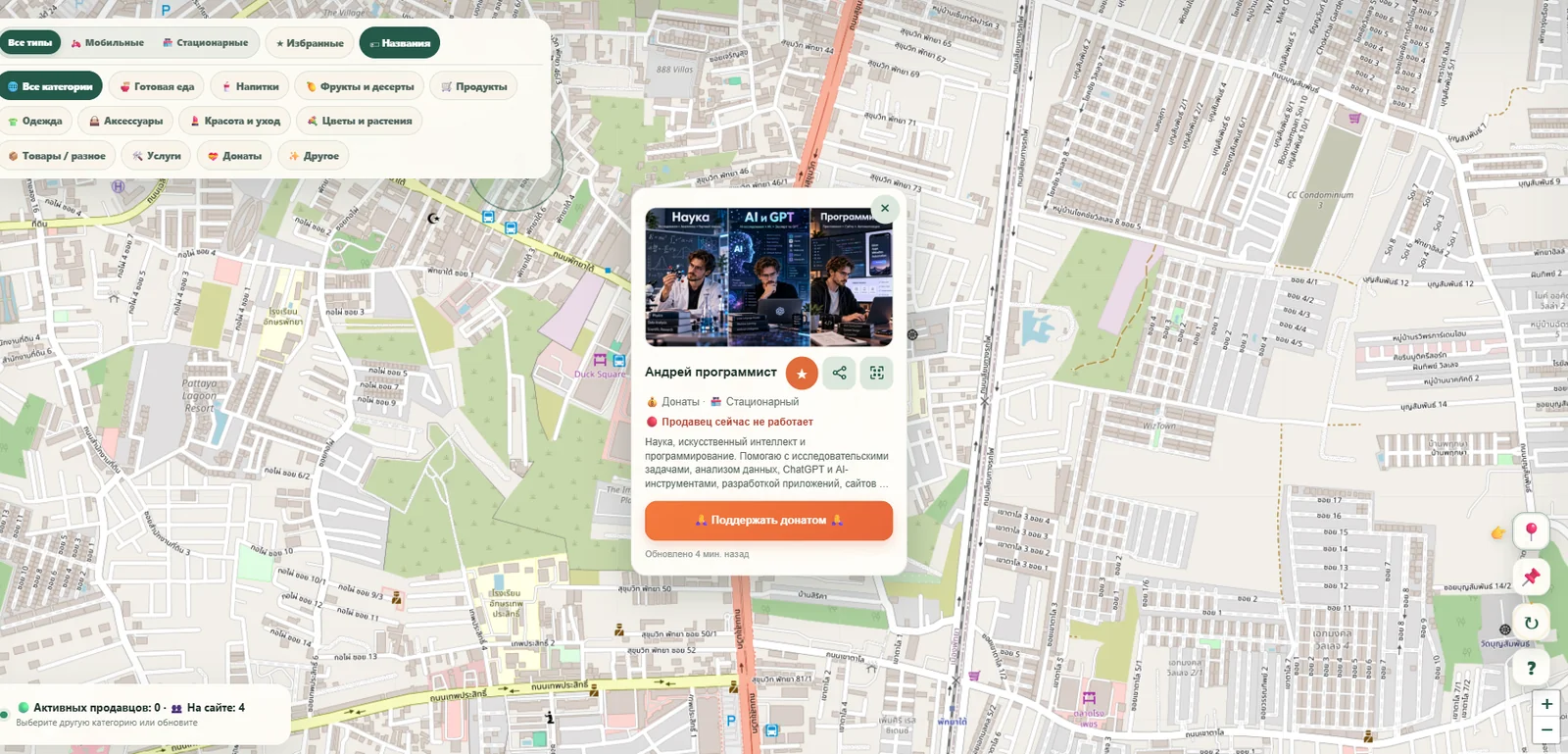
Open the map to see active sellers and local services in the selected nearby area.
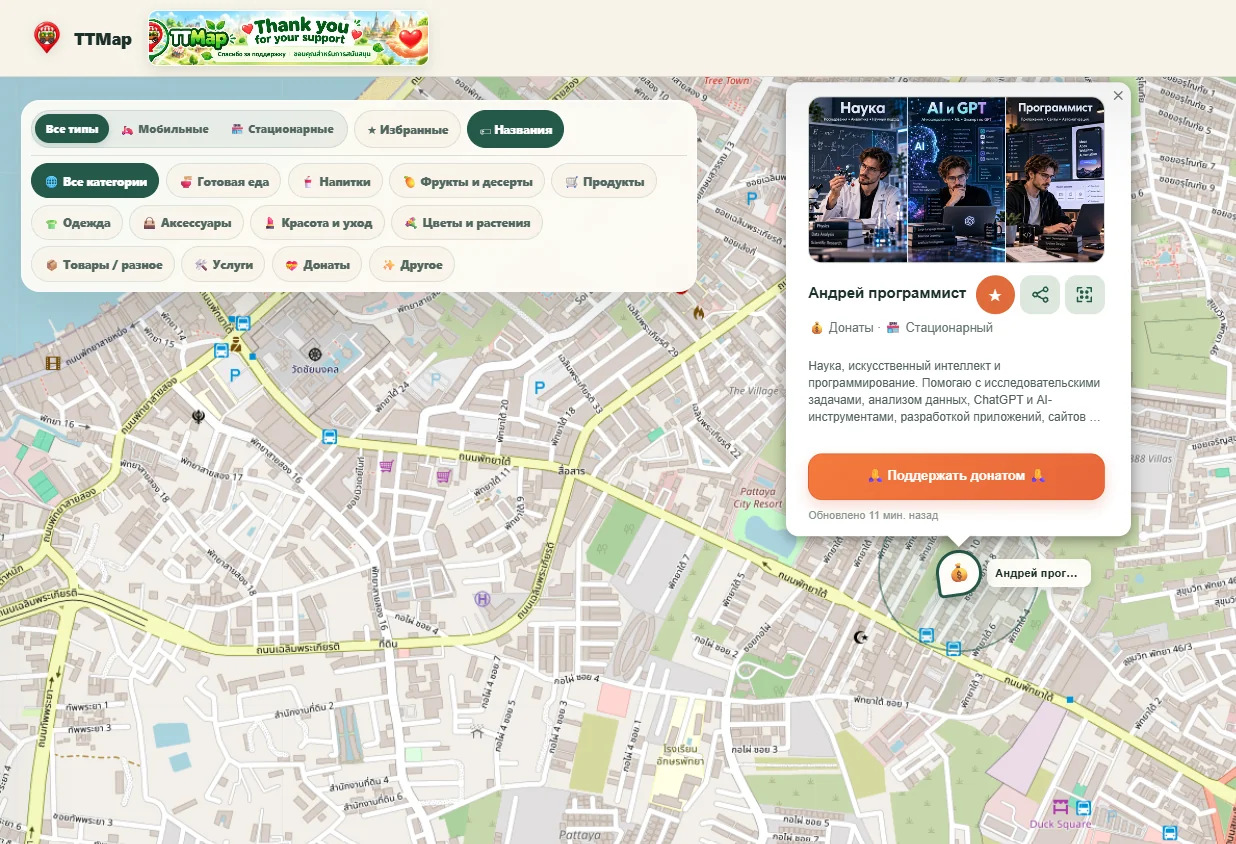
Start with all categories or narrow your search to food, drinks, fruit and desserts, groceries, clothing, accessories, beauty, flowers, goods, services, donations, and more.
Filter mobile vendors and fixed selling points independently of category.
A seller appears in public map search only while their working session is active. This is not continuous background tracking.
Every seller can share a personal link or QR code so customers can open the listing directly.
View public seller details and save favorites for convenient return visits.
Sellers can add an HTTPS button to a support page, shop or order page.
TTMap supports 18 interface languages.
02
Open the map, use your location or select a place manually, choose filters, and explore active points nearby. Browsing does not require registration.
03
Sign in with Google, complete a public profile, and start a working session when you are ready to be found. Finish the session whenever you stop working.
04
If a seller allows offline viewing, customers can reopen the public card while the seller is not working. The last published working point, when available, is marked as an older location rather than a live position.
This example TTMap QR sticker links to the public map. Seller-specific QR codes open individual profile URLs.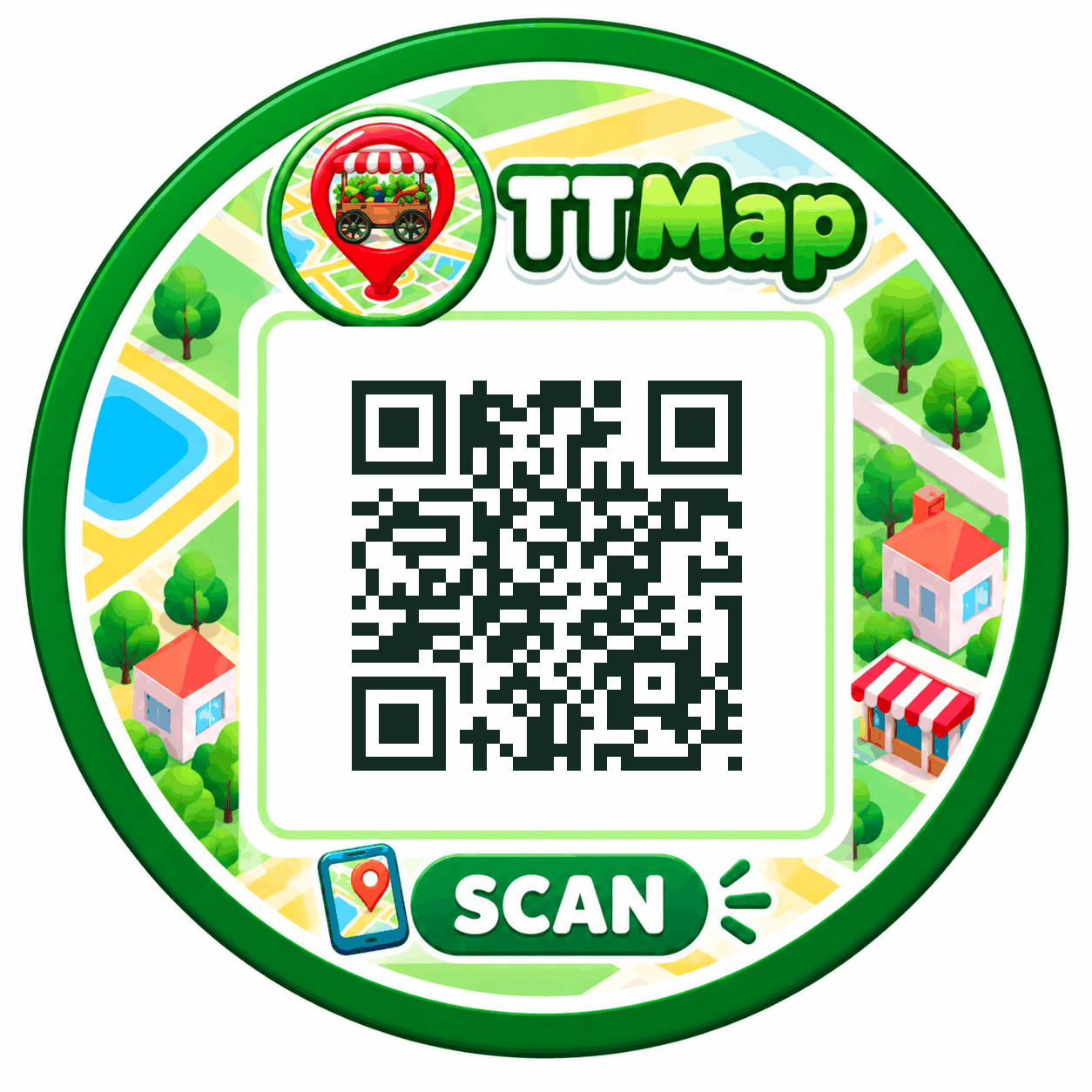
05
The ordinary map search shows active selling points, not sellers at all times. Direct links may display an offline card only when the seller permits it. Offline locations are distinguished from current working locations.
FAQ
No. Anyone can browse the public map and open active seller cards. Signing in is useful for features such as synchronized favorites.
No. The ordinary map shows sellers who are currently in an active working session and match the selected search area and filters.
The personal link remains the same. If offline card visibility is enabled, the card can still open with an offline status and, when available, a clearly marked last published working location.
Yes. Sellers can optionally add an external HTTPS link to a donation page, support service, shop, order page, or other relevant destination.
Yes. The application supports 18 interface languages and includes localized map controls and help information.
TTMap
Open the interactive map to explore nearby active vendors, or create a seller listing to share your location during working hours.